placeholder on both sides. -->

AnyControl Blog

Read the latest tutorials and tips related to social media platforms, parental control in cyberspace, monitoring employees, tracking people and digital devices, etc. on the AnyControl blog.


How to hide your online status and last seen on WhatsApp

WhatsApp makes users' online status visible to everyone by default, once you create an account on this popular messaging app. But you can easily change it to protect your privacy. So if you may want to minimize your online footprint in the app for any reason, in this article we have provided a step by step guide of how to hide your online status and last seen on WhatsApp.

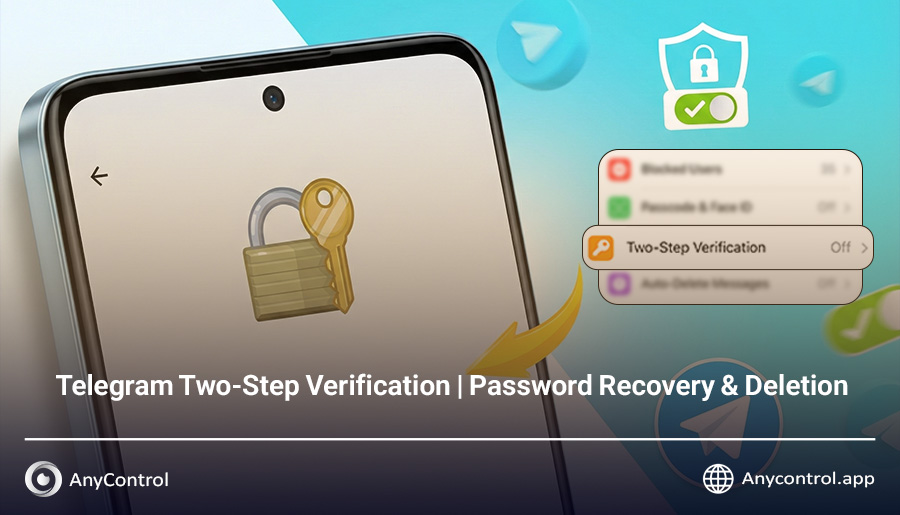
Telegram Two-Step Verification | Full Recovery & Deletion Guide

ChatGPT said: What is Telegram Two-Step Verification and why has activating it become so essential? Many users encounter problems logging in, such as forgetting their Telegram two-step password or even needing to delete their Telegram two-step code—a problem that, if not resolved, could result in permanently losing access to your account. In this article, we aim to guide you through all these aspects, from activating two-step verification to deleting your Telegram two-step password, with step-by-step instructions on various devices such as Android, iPhone, and desktop. This way, you can fully and comprehensively secure your Telegram account.

Viber vs Whatsapp: which one to use?

When it comes to the best and most well-known messaging apps in the world, Viber and Whatapp are among the definite options. These two are similar with each other in many aspects and different in a number of others.

Welcome to AnyControl Blog!

Welcome to AnyControl blog! We look forward to sharing the latest news and exciting tutorials about social media platforms, parental activities, leadership, management and many more with our readers.