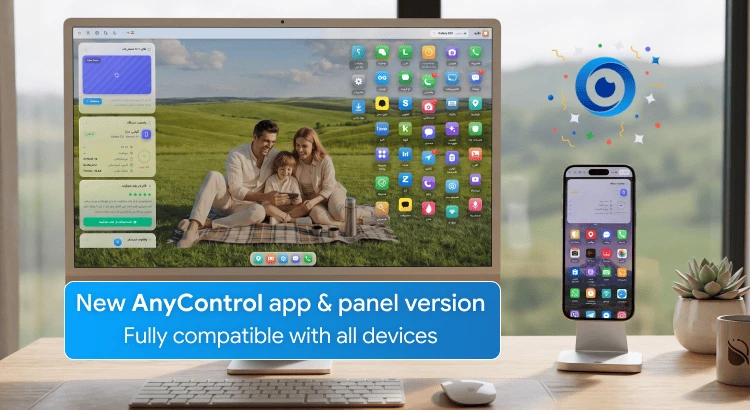
Recent app disruptions and challenges caused issues with using AnyControl, such as delays in receiving reports and problems with installing the app and the management panel. For this reason, we decided to make fundamental changes to the infrastructure of the AnyControl app, an update that makes your use of the app much simpler and easier.
The new version of the app has been released!
⚡️ Compatibility with all operating systems from Android 6 to 16
⚡️ Full synchronization with the changes in the new parental panel
⚡️ Voice recording and smart words
⚡️ Lower battery and internet consumption on the child's phone
Below, we will review the full details of the changes in the two main sections: the management panel template and the app's performance.
📱 Changes in the AnyControl Management Panel
In this version, we have placed a special focus on your user experience to make management and monitoring simpler and more enjoyable for you. This ensures you have the real feel of the child's phone while using the panel, giving you direct access to the app you want to monitor without any complexity or nested menus.
The changes in this section include the following:
Improved mobile user interface and fixed visual bugs: Now, when you log into the panel with your mobile phone, everything is perfectly optimized, beautiful, and without any clutter.
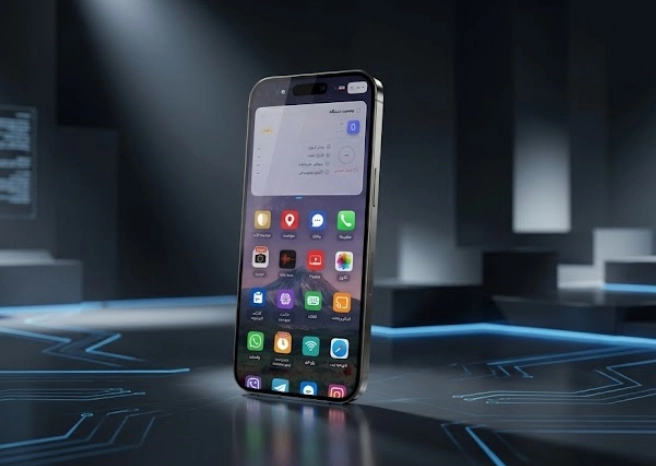
Much faster loading speed: With infrastructural changes, the panel pages and your child's phone reports load for you in a fraction of a second.
Faster display and access to features: We redesigned the menus and various sections so that you can access the most important reports and tools with the fewest clicks.
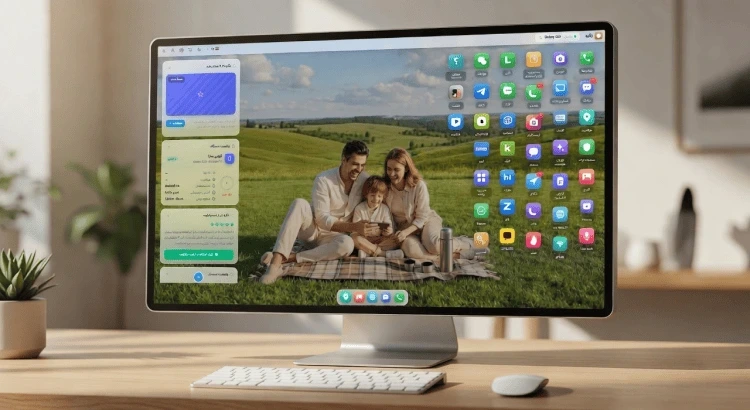
Design closer to a mobile operating system: The feeling of working with the newly updated AnyControl panel is now exactly like entering your child's phone. When you use the panel, you have an experience like the child's phone.
The panel update is intended to provide better features and a smoother experience for you, and it may take a little time. If you encounter any problems or unusual issues during this time, share them with us by sending a message to support, and do not worry because these problems will be resolved once the update process is complete.
🛠 New AnyControl App Update
The second phase of the update is the release of the new version of the app, which begins as soon as the first phase is completed and starting from July 5th.
The new version of the AnyControl app will be available to you with all reported bugs fixed and new features added. The errors fixed in the AnyControl app update include the following:
✅ Full compatibility with new Android versions: Install AnyControl on the newest phones on the market without any worries. Installation problems on the newest Android version (Android 16) have been resolved in this update.
✅ Fixed the voice recording issue on Chinese phones: If you had trouble recording voice on Xiaomi, Huawei, etc. phones, this bug has been completely fixed.
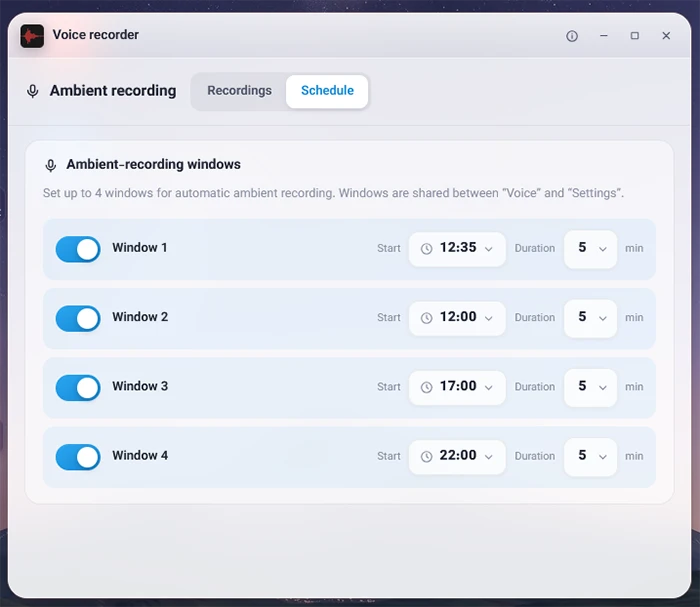
✅ Fixed the issue of reports not being sent on some models: The interruption of reporting on certain specific phones has been completely resolved, and monitoring is performed without interruption.
✅ Ability to define smart words: A fantastic new feature! From now on, you can define specific keywords so that if they are used, the system will smartly warn you.
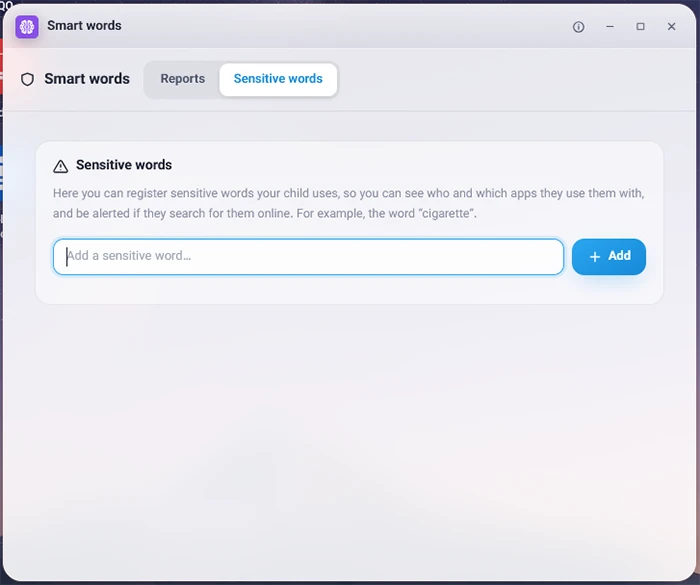
✅ Receiving more regular updates: With the new infrastructure, you will receive reports much more regularly from now on.
The AnyControl team is always striving to provide you, dear parents and users, with the safest and most stable monitoring services despite all internet challenges.